What you can do
- Choose the terrain biome first: highlands, canyon, alpine, marsh, volcanic, coast or urban ruins.
- Use cave and water modes only when they support player movement and visibility.
- Keep important structures readable from the spawn path.
- Send to Studio for terrain inspection, gameplay scale and performance checks.
Voxel terrain and CAD terrain
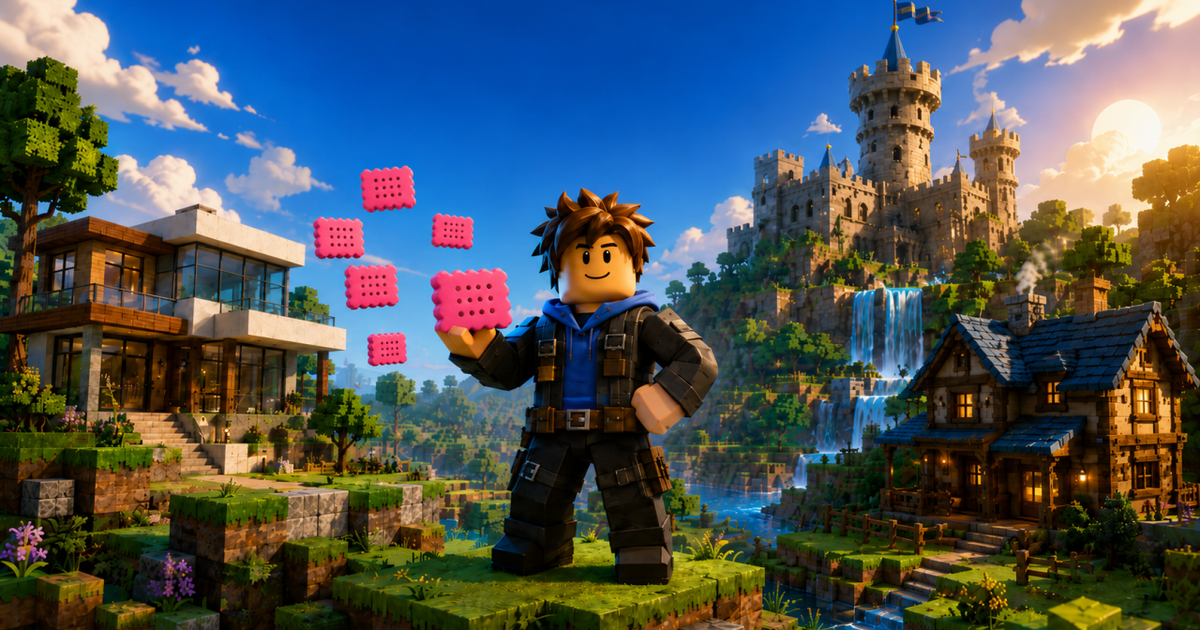
WorldLoop can generate terrain as voxel-style map surfaces and also expose Terrain CAD for structure-aware placement. The goal is to keep buildings grounded and readable without manually blocking out every hill or platform.
Map readability
Good terrain should create direction. Cliffs, ridges, water and vegetation should point players toward landmarks instead of hiding the important architecture.
Studio validation
Roblox Studio is where you test slope feel, jump distances, camera visibility, lighting and streaming behavior. The browser preview accelerates design decisions, but Studio remains the final validation step.