WorldLoop generator
Roblox house generator
Generate Roblox houses with roof variants, interiors, windows, gardens, smart mesh detail and Studio-ready output using WorldLoop.
WorldLoop generators
WorldLoop generator pages explain what each generation family can produce and how it fits into a Studio-ready Roblox workflow.
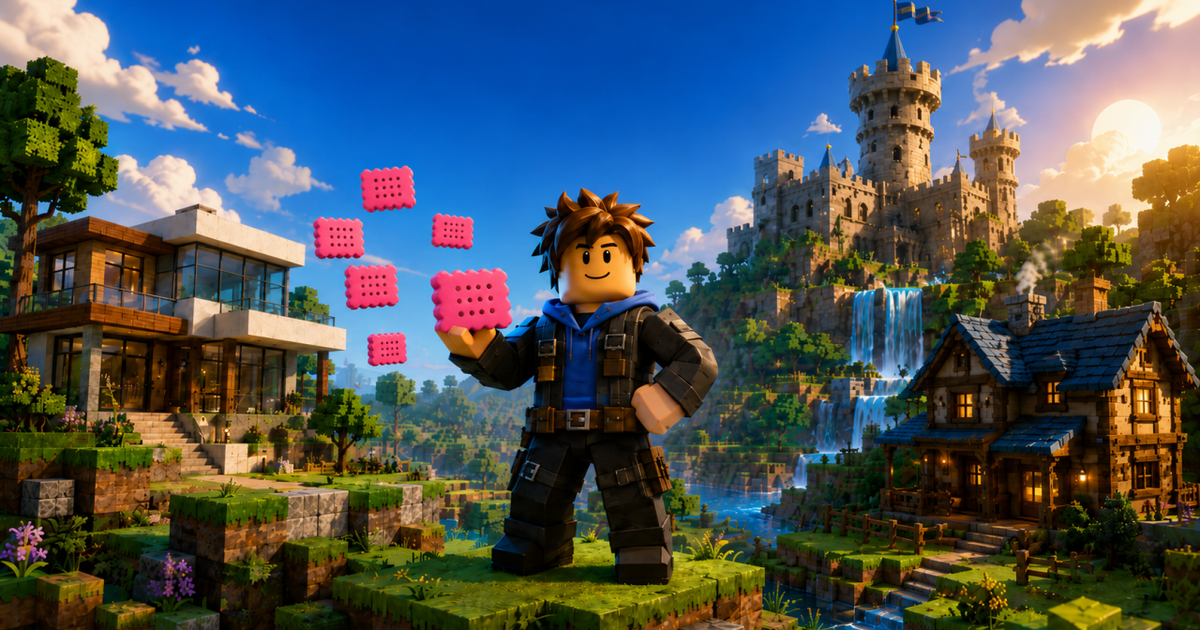
Start with the asset type that matches the gameplay need. A house generator is different from a terrain generator, and a castle generator needs different structure rules than a modern building.
Each generator is designed for browser preview and Creator Store connector delivery into Roblox Studio.
WorldLoop generator
Generate Roblox houses with roof variants, interiors, windows, gardens, smart mesh detail and Studio-ready output using WorldLoop.
WorldLoop generator
Generate Roblox villas such as High Gable, Nordic, Tapered and The Cube variants with large glass, interiors, roofs and smart mesh detail.
WorldLoop generator
Generate Roblox castles, keeps, historical towers and fortress-style structures with gothic themes, gates, windows, towers and smart mesh detail.
WorldLoop generator
Generate Roblox terrain with voxel-style map surfaces, caves, water, vegetation, terrain palettes and CAD-aware structure placement.
WorldLoop generator
Generate Roblox buildings with linear blocks, stepped terraces, tapered facades, balconies, interiors, windows and Studio-ready CAD output.